A Community discussion forum for Halo Custom Edition, Halo 2 Vista, Portal and Halo Machinima
|
 Home
Home Search
 Register
 Login
Login Member List
 Recent Posts
| »Forums Index »Halo Custom Edition (Bungie/Gearbox) »Halo CE Technical / Map Design »Really weird error | 
|
| Author | Topic: Really weird error (6 messages, Page 1 of 1) | ||||
| Moderators: Dennis | |||||
 tylerp14 Joined: Oct 12, 2010 
Ohai der... |
Posted: Apr 20, 2014 10:22 PM
Msg. 1 of 6
Ok so this is weird, there's 2 degenerate triangles but every time they are fixed they re-appear, and there are no hidden polys either, any idea's on how to fix this? Thanks.
Also, when the 2 degenerate triangles are fix, it then changes to 2 overlapping surfaces and alternates when the overlapping errors are fixed. Edited by tylerp14 on Apr 20, 2014 at 10:38 PM |
||||


|
|||||
|
ally Joined: Jun 23, 2010 
Aye Ready |
Posted: Apr 22, 2014 01:18 AM
Msg. 2 of 6
well have a little crazy stuff going on with the map, but now the degenerate triangles are gone, ended up with a
T-junction pink, got that fixed now just ###error 0 has a bad point, so it fails to import collision bsp. I'm wondering was tool pro or something used in the original of this map lol. Anyway getting there :) |
||||
|
|
|||||
|
tylerp14 Joined: Oct 12, 2010
Ohai der... |
Posted: Apr 22, 2014 01:50 AM
Msg. 3 of 6
Thanks lol
|
||||
|
|
|||||
|
ally Joined: Jun 23, 2010
Aye Ready |
Posted: Apr 22, 2014 02:25 AM
Msg. 4 of 6
no i just redid the whole area, also found a lot of other errors that would defo show up once portals were added to this map.
Strongly think tool pro was used to bypass the errors i saw that would have shown up later. As for this vertex0, i looked at old threads saying remove unused verts etc, that does nothing at all. Well done all i can at this point just going to leave it untill someone that knows says how to fix it. Don't use tool pro on your maps, it is stupid. :) Edited by ally on Apr 22, 2014 at 02:26 AM so ###error vertex0 fixed, just went over all the verts and checked alignment, and fixed alot of them to the the correct coordinates, then it was another overlapping surface and fixed that. Now on the map is exception halt in .\import_collision_bsp\build_collision_bsp.c,#1433: dividing_edge->vertex_indices[1]==NONE saw a thread on that error and the assumed fix about edges and converting to editable mesh before importing doesn't fix it at all. Right then tyler time for me to pass a copy of the model to you now, as you can do the same as me and just try different things to find out how to fix this new random error. Edited by ally on Apr 22, 2014 at 05:38 AM Okay so fixed the exception halt in .\import_collision_bsp\build_collision_bsp.c,#1433: dividing_edge->vertex_indices[1]==NONE now back to another ###error vertex0 error. pm'd you the newest version, you need to put all the verts that are inside the main base structure at the same height, they are all supposed to be at the same height in there but no verts match in height coordinates, and there are a few thousand of them to adjust. Edited by ally on Apr 22, 2014 at 09:25 AM Edited by ally on Apr 22, 2014 at 09:26 AM |
||||
|
|
|||||
|
tylerp14 Joined: Oct 12, 2010
Ohai der... |
Posted: Apr 22, 2014 10:37 AM
Msg. 5 of 6
"there are a few thousand of them"
Holy crap lol, I think I might have used tool pro. I have to many copies of stuff of my computer lol, should I try and rebuild the whole thing and try it again in another tool? I know this is off topic but does anybody know anything about Visual3D? I'm trying to find out if I can code a game that has the same functionality as CE, with user created content. I know it can be done in different engine's, so I was wondering if it was possible with Visual3D. Also does anybody know what engine CE was built with? Or what language? ;) (Anybody want to help create a game with me?) 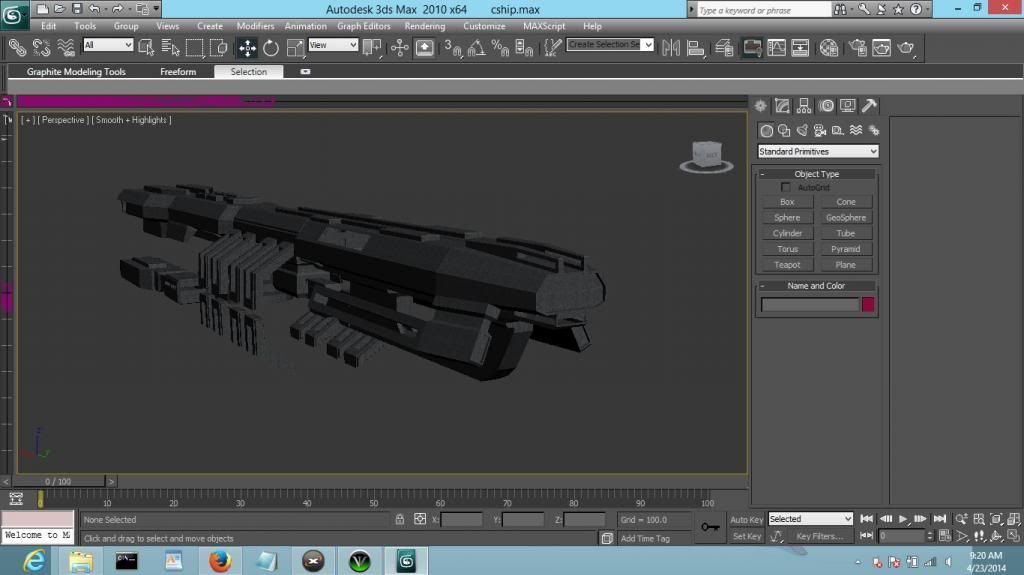 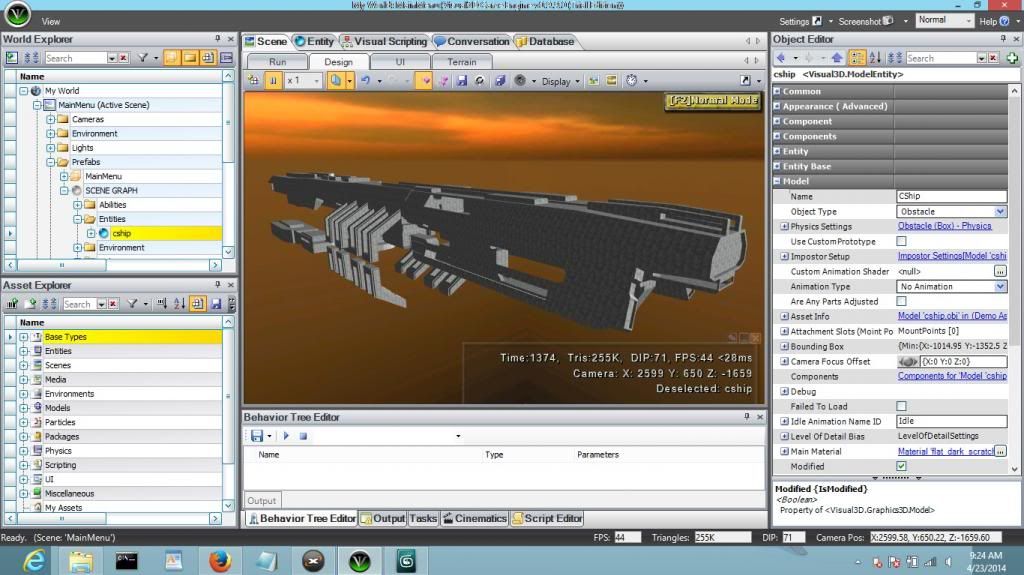 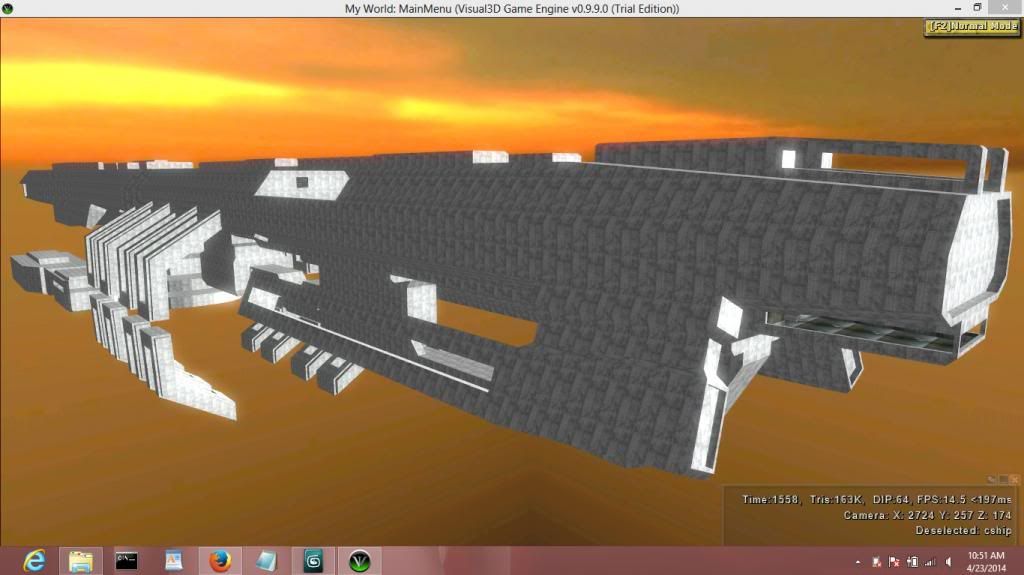 Edited by tylerp14 on Apr 22, 2014 at 01:06 PM |
||||
|
|
|||||
|
ally Joined: Jun 23, 2010
Aye Ready |
Posted: Apr 23, 2014 03:10 AM
Msg. 6 of 6
The reason for getting the coordinates fixed is to get rid of and fix all the coplanar surface errors,
sadly that's going to take you a hell of a lot of time to fix. few images... delete all the selected polygons   adjust all the ground level verts on all the bases to the same height as the main entrance. Once you do that though outside all the bases as well as inside, this will affect the height of doorways etc so they will need adjusted too i guess.  Then because there are coplanars on some of the polygons which are part of the walls everywhere, you will have to fix them coordinates to be the same on the X, Z or Y axis which ever is required. Then when you remake all the polygons to fill the area, try to make them small and not thin ones that go from 1 side of the base to the other. You can however ignore the coplanar surface errors if you want and just fix the remaining ###error vertex0, but to be honest only way to have the model totally clean in tool is to fix all the coplanars too. Edited by ally on Apr 23, 2014 at 03:18 AM |
||||
|
|
|||||

|
