A Community discussion forum for Halo Custom Edition, Halo 2 Vista, Portal and Halo Machinima
|
 Home
Home Search
 Register
 Login
Login Member List
 Recent Posts
| »Forums Index »Halo Custom Edition (Bungie/Gearbox) »Halo CE Technical / Map Design »assault rifle interface problem | 
|
| Author | Topic: assault rifle interface problem (19 messages, Page 1 of 1) | ||||
| Moderators: Dennis | |||||
 RJ00125 Joined: Apr 14, 2007 
Kill On!! |
Posted: Oct 20, 2007 05:13 PM
Msg. 1 of 19
ok, srry about the second post, but no one replied to my first post, I am trying to make an assault rifle with a red fp interface (the compass and the ammo count) and when ever I try to make a new bitmap it says I have 00 ammo and the compass always points straight. Anyone have any help or a map I can rip one from?
|
||||


|
|||||
|
RJ00125 Joined: Apr 14, 2007
Kill On!! |
Posted: Oct 20, 2007 05:19 PM
Msg. 2 of 19
srry, but I really need help
|
||||
|
|
|||||
|
RJ00125 Joined: Apr 14, 2007
Kill On!! |
Posted: Oct 20, 2007 05:23 PM
Msg. 3 of 19
well, I want the interface to be red not blue, and you have to make a new bitmap for that
|
||||
|
|
|||||
|
RJ00125 Joined: Apr 14, 2007
Kill On!! |
Posted: Oct 20, 2007 05:36 PM
Msg. 4 of 19
hey caboose a little help here?
|
||||
|
|
|||||
|
H Guru Joined: Oct 15, 2006 
EHSv3 Coming Soon! |
Posted: Oct 20, 2007 07:05 PM
Msg. 5 of 19
The shader the numbers use have the same name so when it go's through tool it gets messed and they become one which is why they show the exact numbers, go into max and name them differently such as one with the numbers(left number) and one numbers2(right number). then open the FP gbxmodel, scroll all the way to the bottom and you will see shaders click the drop down box and you will see "numbers" and "numbers2", numbers needs a permutation of 1, and numbers2 needs the permutation of 0, then give the numbers 2 the exact same shader name as numbers and that will fix it.
|
||||
|
|
|||||
|
Caboose117 Joined: Jul 23, 2006 
Seriously guys? |
Posted: Oct 20, 2007 11:01 PM
Msg. 6 of 19
Quote: --- Original message by: RJ00125 well, I want the interface to be red not blue, and you have to make a new bitmap for that Yea, the bitmap has multiple parts. 8 different ones for the compass, 10 for the numbers. What you did was only took the first one. You need to take all of em, stick em in photoshop, in order, from right to left, on a 512x256 (maybe 512x512, i doubt it) with a blue border between each one, then compile it as a bitmap in tool, and then change it to sprite and change the sprite size thingy to 512x512.... Yea.... |
||||
|
|
|||||
|
RJ00125 Joined: Apr 14, 2007
Kill On!! |
Posted: Oct 20, 2007 11:05 PM
Msg. 7 of 19
ok, but I dont have photoshop, I had a paintshop pro trial but it ran out, so... what do I do now?
|
||||
|
|
|||||
|
Caboose117 Joined: Jul 23, 2006
Seriously guys? |
Posted: Oct 20, 2007 11:09 PM
Msg. 8 of 19
Umm, I bet you could do that in paint tbh.... Just make sure its a pure blue border...... 255B, 0R, 0G....
Edited by Caboose117 on Oct 20, 2007 at 11:09 PM |
||||
|
|
|||||
|
RJ00125 Joined: Apr 14, 2007
Kill On!! |
Posted: Oct 21, 2007 07:30 PM
Msg. 9 of 19
ok, srry, I was out hunting, I can do that, but when I extract the bitmaps all I get is 0
Edited by RJ00125 on Oct 21, 2007 at 07:30 PM |
||||
|
|
|||||
|
Caboose117 Joined: Jul 23, 2006
Seriously guys? |
Posted: Oct 21, 2007 09:07 PM
Msg. 10 of 19
Open the bitmap, hit show 10 times, and set each window to each bitmap... Thats in guerilla.... Use prnt screen to get em....
|
||||
|
|
|||||
|
RJ00125 Joined: Apr 14, 2007
Kill On!! |
Posted: Oct 21, 2007 09:12 PM
Msg. 11 of 19
ok, nvm, I am dling a trial for photoshop right now, so all I have to do is export the bitmap, and all 10 numbers should show up...?
Edited by RJ00125 on Oct 21, 2007 at 09:20 PM |
||||
|
|
|||||
|
Caboose117 Joined: Jul 23, 2006
Seriously guys? |
Posted: Oct 21, 2007 09:43 PM
Msg. 12 of 19
Quote: --- Original message by: Caboose117 Open the bitmap, hit show 10 times, and set each window to each bitmap... Thats in guerilla.... Use prnt screen to get em.... Do that, but paste em into photoshop... And do what i said a while back... Obviously extracting them only gets you the 0.... |
||||
|
|
|||||
|
RJ00125 Joined: Apr 14, 2007
Kill On!! |
Posted: Oct 21, 2007 09:47 PM
Msg. 13 of 19
ok, but what do i prntscrn?
|
||||
|
|
|||||
|
Caboose117 Joined: Jul 23, 2006
Seriously guys? |
Posted: Oct 21, 2007 09:56 PM
Msg. 14 of 19
Guerilla with the 10 bitmaps showing... Make sure its not the tag, but actually the bitmap...
|
||||
|
|
|||||
|
RJ00125 Joined: Apr 14, 2007
Kill On!! |
Posted: Oct 21, 2007 10:00 PM
Msg. 15 of 19
oh ok, w8! I have a laptop, and the prtscrn doesn't work, and I dont know how to fix it, umm.... what should I do?
EDIT: ok nvm I got it working Edited by RJ00125 on Oct 21, 2007 at 10:05 PM |
||||
|
|
|||||
|
corndogman939 Joined: Apr 6, 2007 
Using the same avatar since 2007 |
Posted: Oct 21, 2007 10:03 PM
Msg. 16 of 19
after you press print screen open up paint and go to edit>paste. crop out everything you don't need.
|
||||
|
|
|||||
|
RJ00125 Joined: Apr 14, 2007
Kill On!! |
Posted: Oct 21, 2007 10:14 PM
Msg. 17 of 19
ok... umm... im kinda a visual learner, can u show me what your bitmap looks like when you lined up the numbers, and cumpass plate plzzzzzzzzzzzzzzzzzzzzzzzzzzzzzzzzzzzzz?
|
||||
|
|
|||||
|
Caboose117 Joined: Jul 23, 2006
Seriously guys? |
Posted: Oct 22, 2007 09:12 PM
Msg. 18 of 19
Yes, but it may take a little time to dig em up again... I sometimes forget where I place my jpg copies of my work... Easier to upload like that...
|
||||
|
|
|||||
|
RJ00125 Joined: Apr 14, 2007
Kill On!! |
Posted: Oct 23, 2007 09:21 PM
Msg. 19 of 19
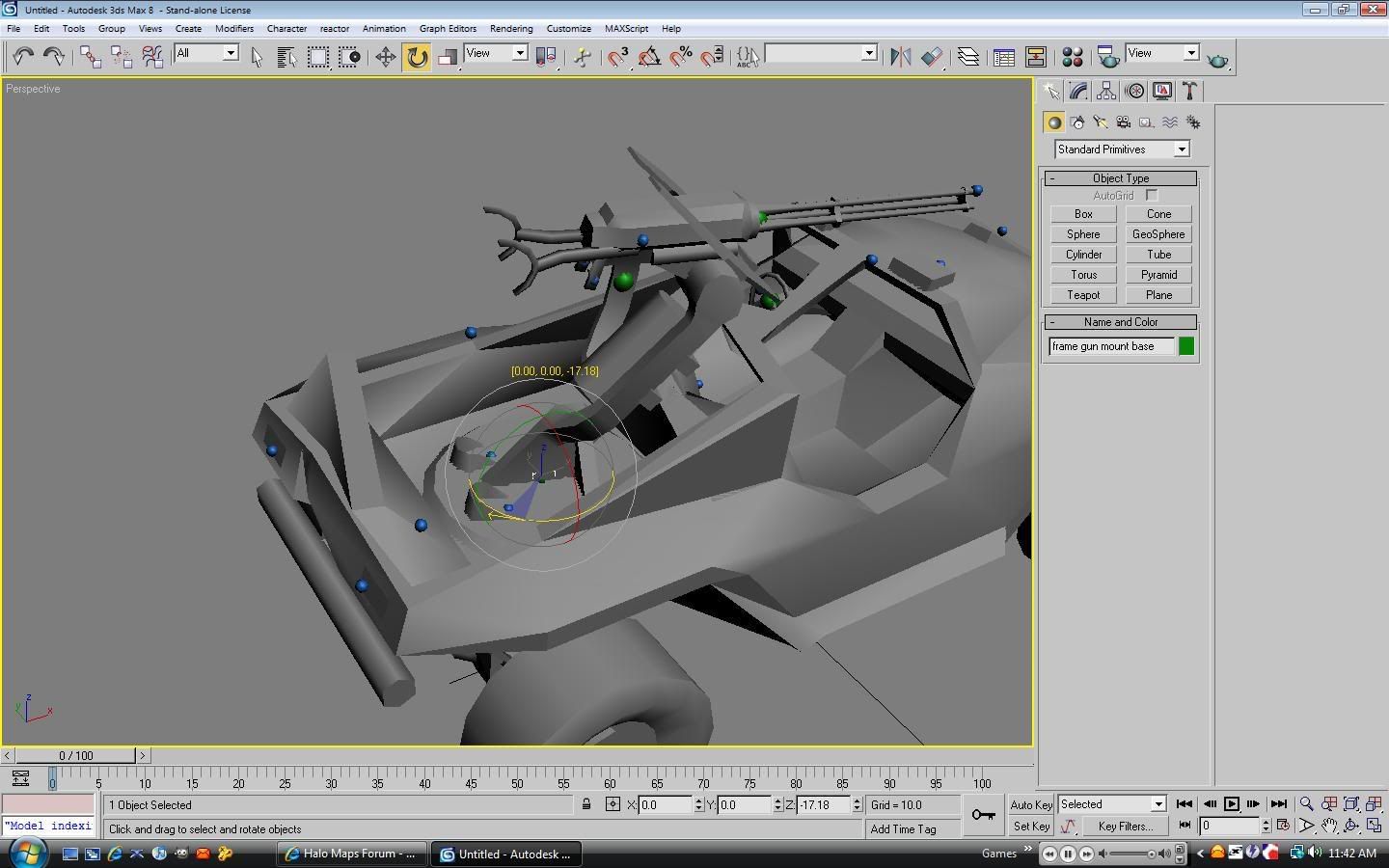
YESSSSSSSSSSSSSSSSSSSSSSSSS!!! I got it!! Thank you guys soooo much especially Caboose for all of your help. Here's my work:
 |
||||
|
|
|||||

|
