A Community discussion forum for Halo Custom Edition, Halo 2 Vista, Portal and Halo Machinima
|
 Home
Home Search
 Register
 Login
Login Member List
 Recent Posts
| »Forums Index »Halo Custom Edition (Bungie/Gearbox) »Halo CE Technical / Map Design »"Not Leaving Open Edges"...? | 
|
| Author | Topic: "Not Leaving Open Edges"...? (5 messages, Page 1 of 1) | ||||
| Moderators: Dennis | |||||
 renegade343 Joined: Jun 26, 2012 
CE3 Stage Modeler, Editor, and Writer |
Posted: Jul 29, 2012 12:38 AM
Msg. 1 of 5
THE GOOD NEWS:
Using this method, I could bypass one of the two biggest problems with using SketchUp for Halo: I successfully converted the SKP file to a file format readable by GMAX. Not only that, but it also automatically deletes the double-sided face problem that lots of other exporting methods face. Yay :D THE BAD NEWS: ...I never knew GMAX is such a b.. .. yeah. It's far less streamlined than I expected, so... forget the texturing issues I decided to ask beforehand. I can't wrap my head around the sealing-the-map concept and everything. The more I read and watch YouTube tutorials, the less I understand what I need to do, since my method is so unorthodox... THE PROBLEM, mostly the Bad News' stupid responsibility: So I successfully imported the model (without the ocean, boats and Longsword wreckages, and WITH inverted walls that makes the entire model into a giant, contiguous box-with-a-building-on-the-inside thing), and it came out like this:  Is this what you meant by "all models have to be enclosed"? If not, what did you mean, and can I use the "box-thing" that I made for a skybox or something? (and finally, is there anything special I should remember while in this step?) Thank you, again! |
||||


|
|||||
|
ally Joined: Jun 23, 2010 
Aye Ready |
Posted: Jul 29, 2012 07:47 AM
Msg. 2 of 5
if that is the model with no textures anywhere then going by this image
 and comparing it to this the red is the wall shown in your above pic and the light blue is the built out parts shown in white in your pic. both the wall and the outer parts should be all 1 model, then it would be sealed. |
||||
|
|
|||||
|
renegade343 Joined: Jun 26, 2012
CE3 Stage Modeler, Editor, and Writer |
Posted: Jul 29, 2012 12:24 PM
Msg. 3 of 5
Alright -this is the exact model which I exported, which IS one contiguous model.
(It was hard, but I did make the whole thing into one single model... Merged every component, confirmed every vertex, and even intersected the crashed ship in the middle so that it's all connected without excess vertices) 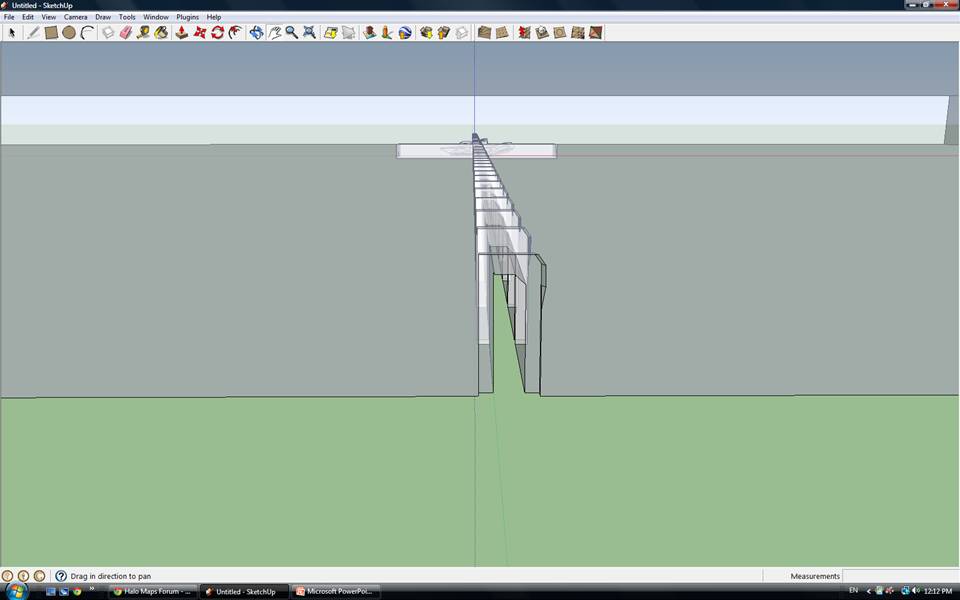  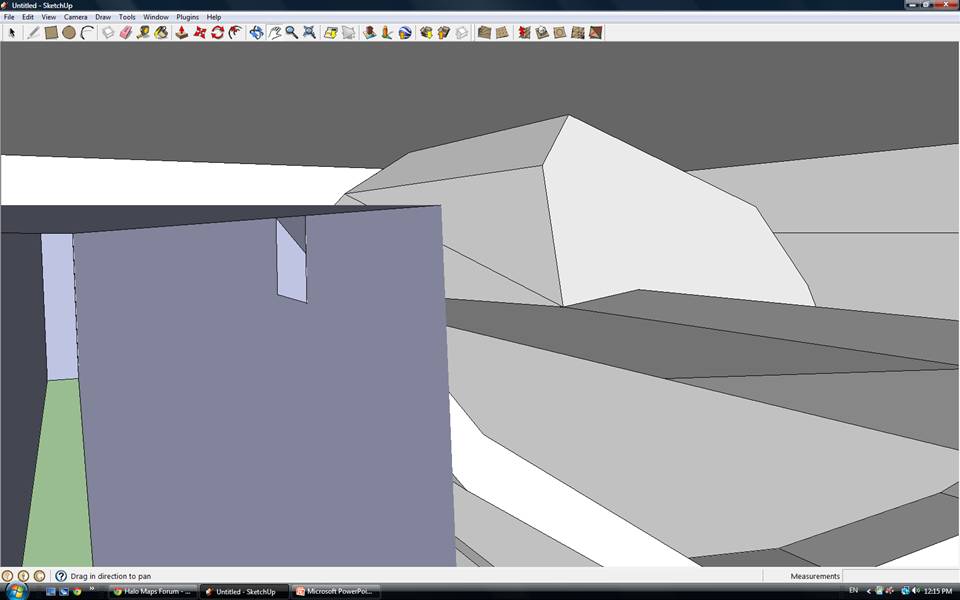 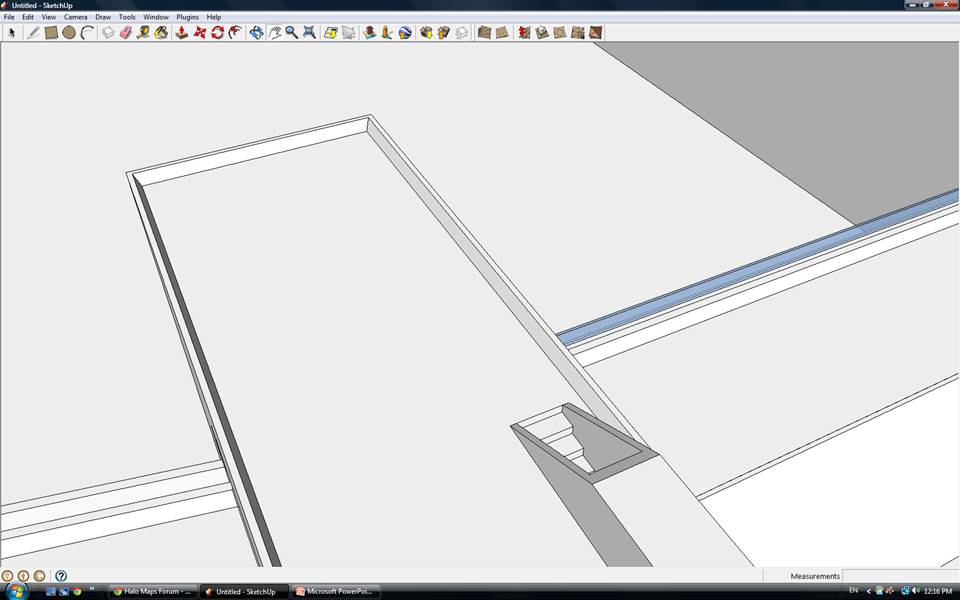 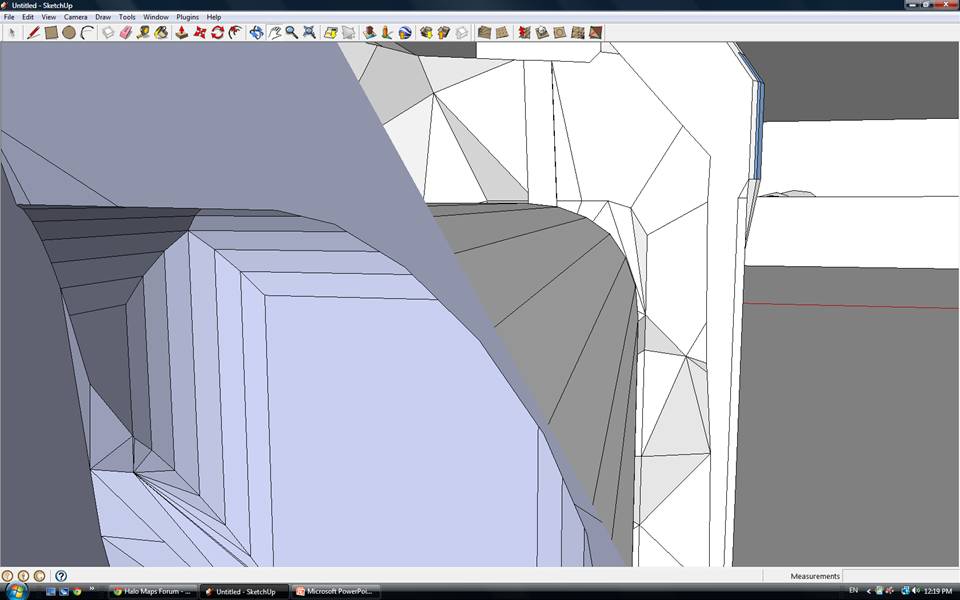 |
||||
|
|
|||||
|
ally Joined: Jun 23, 2010
Aye Ready |
Posted: Jul 29, 2012 01:20 PM
Msg. 4 of 5
good job, okay just to make sure it's all sealed, you can test it with this.
hit F4 to show the wireframe in gmax, convert the model to editable poly then hit the border tool (hope gmax has that tool, i can't remember for sure). with the border tool selected scroll over your whole model and if you see red lines then them parts need seal, if no red parts show then you should be fine. use that border tool every now and then just to make sure things are all sealed in the areas you work on. edit: sorry hadn't worded that correctly. Edited by ally on Jul 30, 2012 at 01:34 PM |
||||
|
|
|||||
|
renegade343 Joined: Jun 26, 2012
CE3 Stage Modeler, Editor, and Writer |
Posted: Jul 31, 2012 02:11 PM
Msg. 5 of 5
Quote: --- Original message by: ally good job, okay just to make sure it's all sealed, you can test it with this. hit F4 to show the wireframe in gmax, convert the model to editable poly then hit the border tool (hope gmax has that tool, i can't remember for sure). with the border tool selected scroll over your whole model and if you see red lines then them parts need seal, if no red parts show then you should be fine. use that border tool every now and then just to make sure things are all sealed in the areas you work on. It's alright, thank you! Quote: --- Original message by: Private Caboose It's in sketchup. That's the problem. I found it easier to take the proof images on SketchUp than Gmax (I mean, that was my first day using it, compared to me using FG for over five years now)... Don't worry, it's no longer in SketchUp. |
||||
|
|
|||||

|
