A Community discussion forum for Halo Custom Edition, Halo 2 Vista, Portal and Halo Machinima
|
 Home
Home Search
 Register
 Login
Login Member List
 Recent Posts
| Viewing User Profile for: Sargent 0 | |||||||||||||||||||
| About | Contact | ||||||||||||||||||
|
Send Private Message |
||||||||||||||||||
| Post Statistics | |||||||||||||||||||
|
Sargent 0 has contributed to 97 posts out of 465278 total posts
(.02%) in 1,886 days (.05 posts per day).
20 Most recent posts:
Halo CE General Discussion »
Need help with these ar fire sounds Jun 1, 2019 10:15 PM
(Total replies: 4)
How do I keep these ar fire sounds from cutting off everytime I shoot? FYI: These are 44.1 khz xbox adpcm compressed https://www.youtube.com/watch?v=B7eOqd2-wIM
Halo CE General Discussion »
I can't compile sounds Apr 28, 2019 06:44 PM
(Total replies: 2)
I been trying to fix this problem for a couple of days. Tool just keeps on throwin out this bs error. C:\Program Files (x86)\Microsoft Games\Halo Custom Edition>tool.exe sounds "insert random sound path here" xbox 1 map file appears corrupt Importing "insert random sound file here" C:\Program Files (x86)\Microsoft Games\Halo Custom Edition>tool.exe sounds "insert random sound path here" xbox 1 map file appears corrupt Importing "insert random sound file here" fixed corrupt tag enum field (sample rate*). the sound tag "insert random sound file" may be corrupt. or C:\Program Files (x86)\Microsoft Games\Halo Custom Edition>tool.exe sounds "insert random sound path here" xbox 1 map file appears corrupt Importing "insert random sound file here" Couldn't read file "insert random sound file here" ### failed to import: couldn't read file. I ran tool as admin; I put the sound file under data; I reinstalled HEK; I always optimize the sound file to 44.1 kilohertz, 16 bit PCM, mono; I exported the sound file as a 16 bit PCM wav file through audacity; I made sure the game, guerilla or any other tag editing program was closed; I closed every program except tool to make sure it got enough ram; I installed the xbox adpcm codec and the updated ogg files. As you can see, I tried every possible solution I know of and nothing works! So any help? If somehow my problem isn't solved even with help from the forum, can anyone collaborate with me on my h2a weapon project? I have huge plans for custom sounds, and if I can't compile sounds by myself then that's a huge ass problem. If anyone considers collaborating with me on this project, I just need you to compile sounds I send you. Edited by Sargent 0 on Apr 28, 2019 at 06:46 PM Edited by Sargent 0 on Apr 28, 2019 at 06:53 PM Edited by Sargent 0 on Apr 28, 2019 at 07:09 PM EDIT It turns out that my sound files were 48000 hz instead of 44100 hz. I tried changing the sample rate in audacity to 44.1 khz but for some weird reason audacity kept on changing it back to 48 khz. So what was causing my problem was my crappy free audio editing program. ReclaimerOmega helped me out with this problem Edited by Sargent 0 on Apr 30, 2019 at 05:40 PM
Halo CE General Discussion »
Halo: The Master Chief Collection Coming to PC Mar 12, 2019 05:50 PM
(Total replies: 82)
yup. Halo Custom Edition is officially dead at this point.
Halo CE General Discussion »
h2a ar dynamic reticle wip Jan 3, 2019 07:31 PM
(Total replies: 2)
https://youtu.be/roIllV0DlTQ The static reticle in that video is ripped from h2a multiplayer and the dynamic crosshair is from spv3. The spv3 dynamic crosshair is just a placeholder for the h2a dynamic crosshair I need help with. For now I just care about the visuals. I'll deal with the weapon accuracy later. https://youtu.be/zbQVe7dAc0g I can't remove the black part of the H2A dynamic crosshair. (From that video link above, not the screenshot below) I thought this would be an easy task, since I fixed the same occuring problem with the H2A static reticle.  Would anyone be kind enough to help me with this. I photoshopped the H2A dynamic crosshair map onto the spv3 dynamic reticle map  The ar hud interface has the exact same tagging as the one in the first vid. Both interfaces just have seperate dynamic reticle maps. If you want to take a look at the AR tags yourself, just p.m. me and I'll gladly provide it. Edited by Sargent 0 on Jan 3, 2019 at 07:34 PM
Halo CE General Discussion »
Le Epic Meme Dec 31, 2018 12:58 PM
(Total replies: 3)
lol wtf is this. nice editing
Halo CE General Discussion »
Creating moving crosshairs using multitex overlays Dec 30, 2018 08:05 PM
(Total replies: 2)
nvm I dont need help. I figured this out my self using trial and error. wow... thanks for the help modding community Edited by Sargent 0 on Jan 2, 2019 at 02:20 PM
Halo CE General Discussion »
Anyone link me to discord servers so I can chat with Dreamweb authors? Dec 11, 2018 01:24 AM
(Total replies: 4)
What???? Is this some sort of joke? I done nothing wrong
Halo CE General Discussion »
Anyone link me to discord servers so I can chat with Dreamweb authors? Dec 11, 2018 01:14 AM
(Total replies: 4)
what???? why was I banned. BTW I just found everything in my killer instinct folder is gone. literally everything. C:\Program Files\WindowsApps\Microsoft.KillerInstinct-Win10_3.9.13.0_x64__8wekyb3d8bbwe theres nothing in that folder... that is so annoying... now I have to reinstall the game Edited by Sargent 0 on Dec 11, 2018 at 01:15 AM    LOOK..... Edited by Sargent 0 on Dec 11, 2018 at 01:21 AM
Halo CE General Discussion »
CE3ish Video Casting Call Dec 11, 2018 12:53 AM
(Total replies: 24)
Edited by Sargent 0 on Dec 11, 2018 at 08:40 AM
Halo CE General Discussion »
Anyone link me to discord servers so I can chat with Dreamweb authors? Dec 11, 2018 12:51 AM
(Total replies: 4)
*Title
Halo CE General Discussion »
CE3ish Video Casting Call Dec 10, 2018 01:41 AM
(Total replies: 24)
Edited by Sargent 0 on Dec 11, 2018 at 02:03 AM
Halo CE General Discussion »
Sargent 0's Ultimate H2A Elites Progress Log #1 Dec 9, 2018 10:41 AM
(Total replies: 5)
Thanks EDIT: I have no idea how to optimize poly count for CE. I'm assuming you suggested that because the H2A elite at times can slow gameplay because of the engine trying to render the h2a high definition model. Edited by Sargent 0 on Dec 10, 2018 at 01:18 AM Edited by Sargent 0 on Dec 13, 2018 at 12:56 AM
Halo CE General Discussion »
Sargent 0's Ultimate H2A Elites Progress Log #1 Dec 9, 2018 01:43 AM
(Total replies: 5)
Thank you for the reply and the tip. I'll look into it soon. However, I still do need help and I need a partner Oh really? I thought the field officer and general shoulder armor was supposed to be like that. Thank you again for the tip Alright I'm actually going to sleep now. its like 1:10 in the morning. I'm tired af. Edited by Sargent 0 on Dec 9, 2018 at 02:12 AM
Halo CE General Discussion »
Sargent 0's Ultimate H2A Elites Progress Log #1 Dec 8, 2018 11:59 PM
(Total replies: 5)
ELITE FIELD OFFICER: 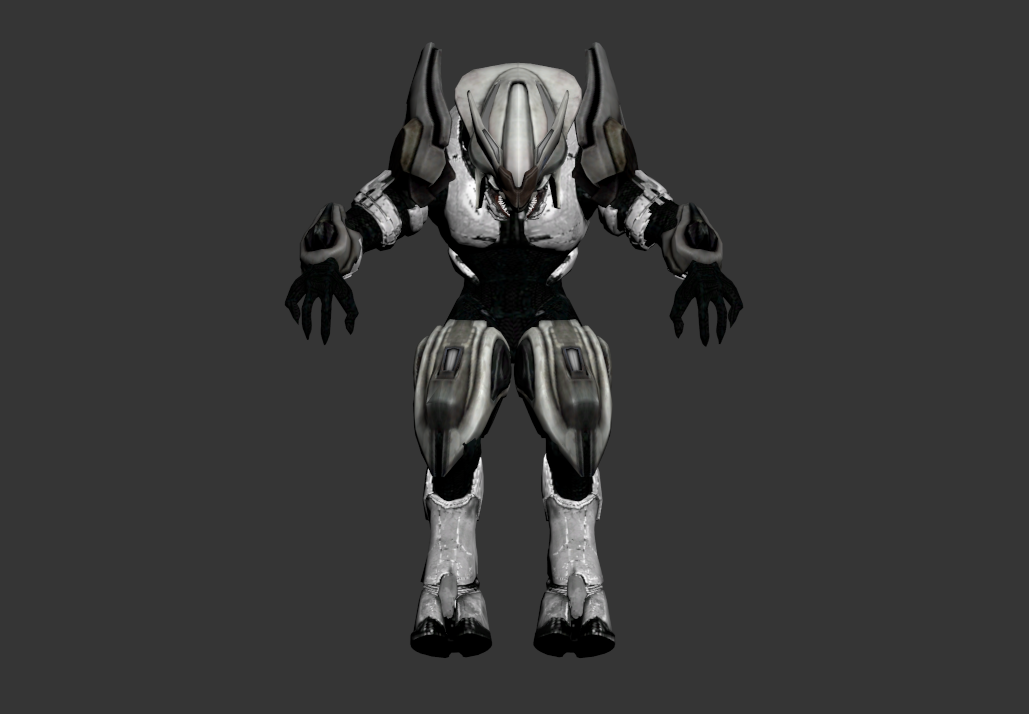 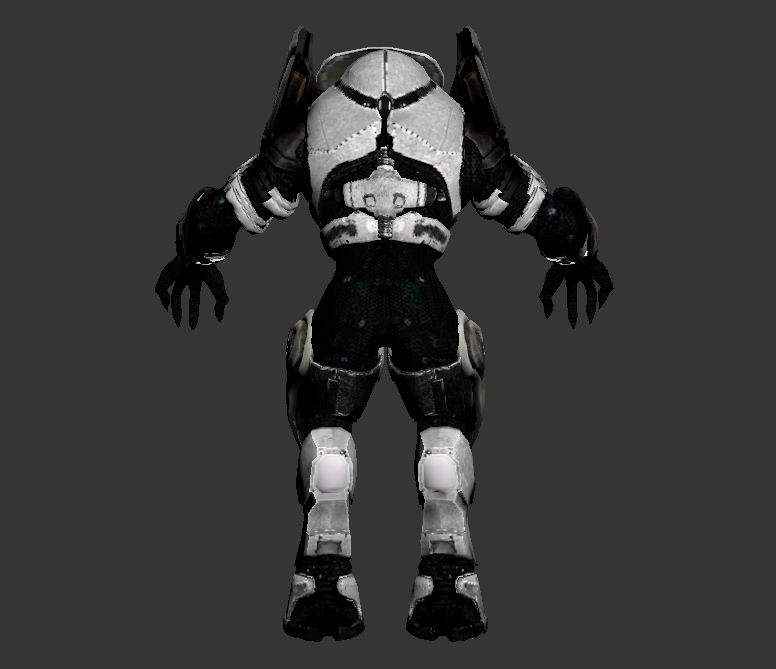 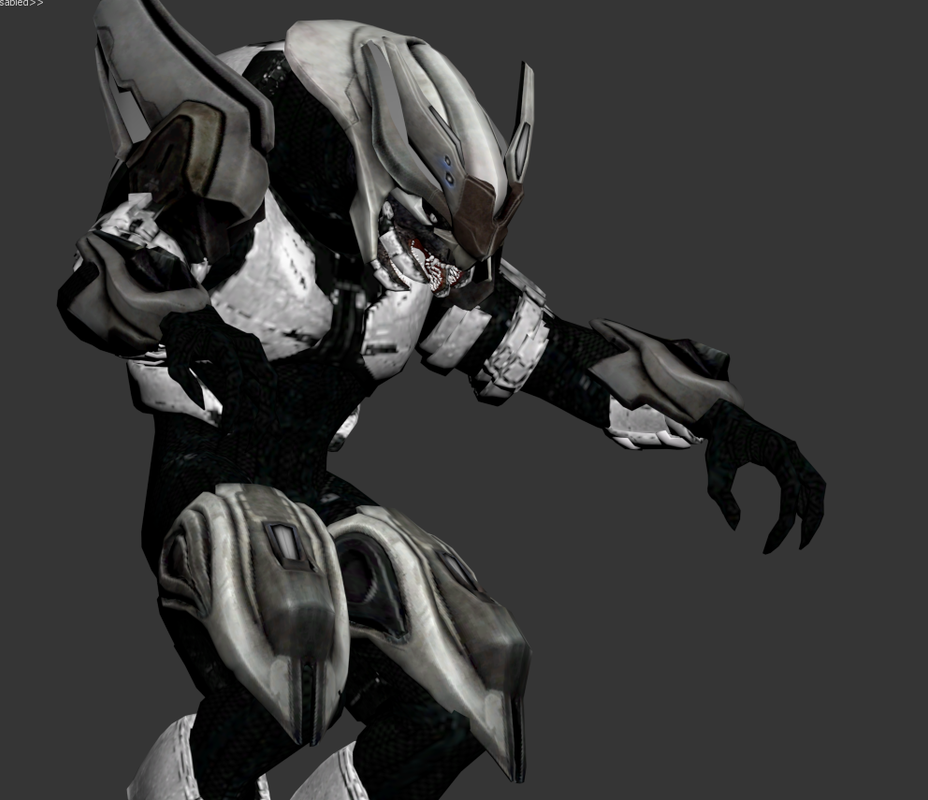 ELITE GENERAL: 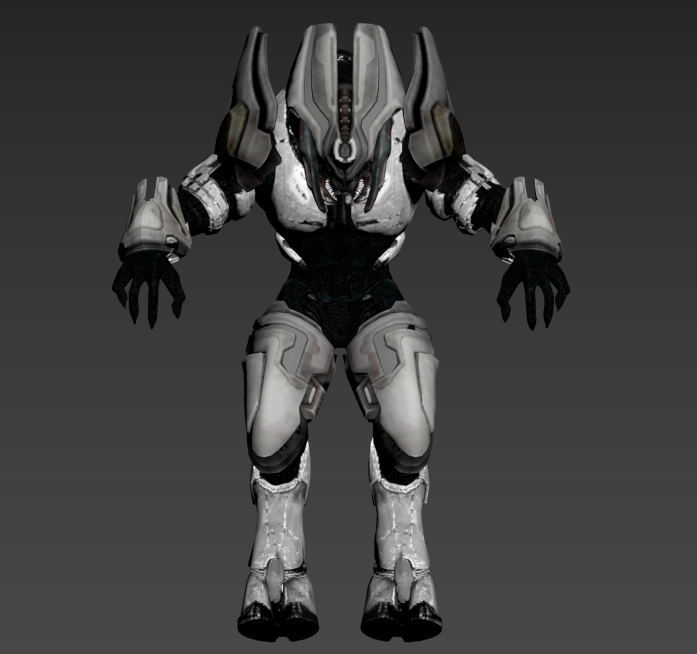 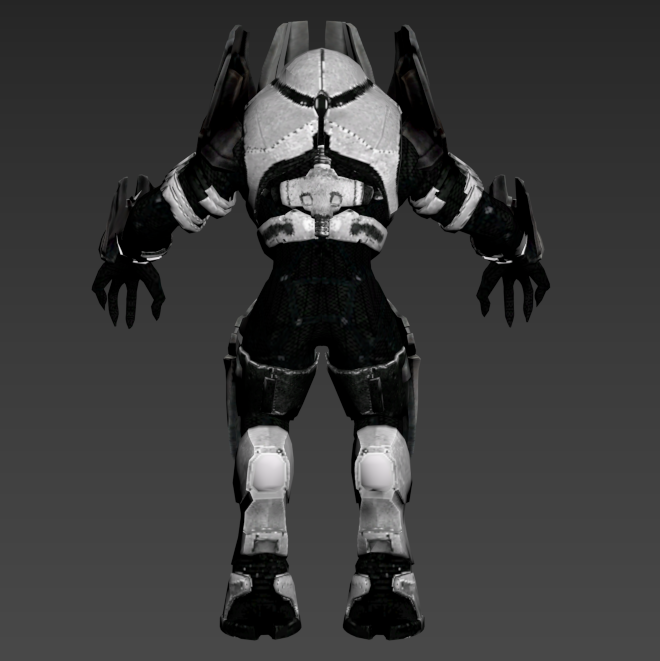 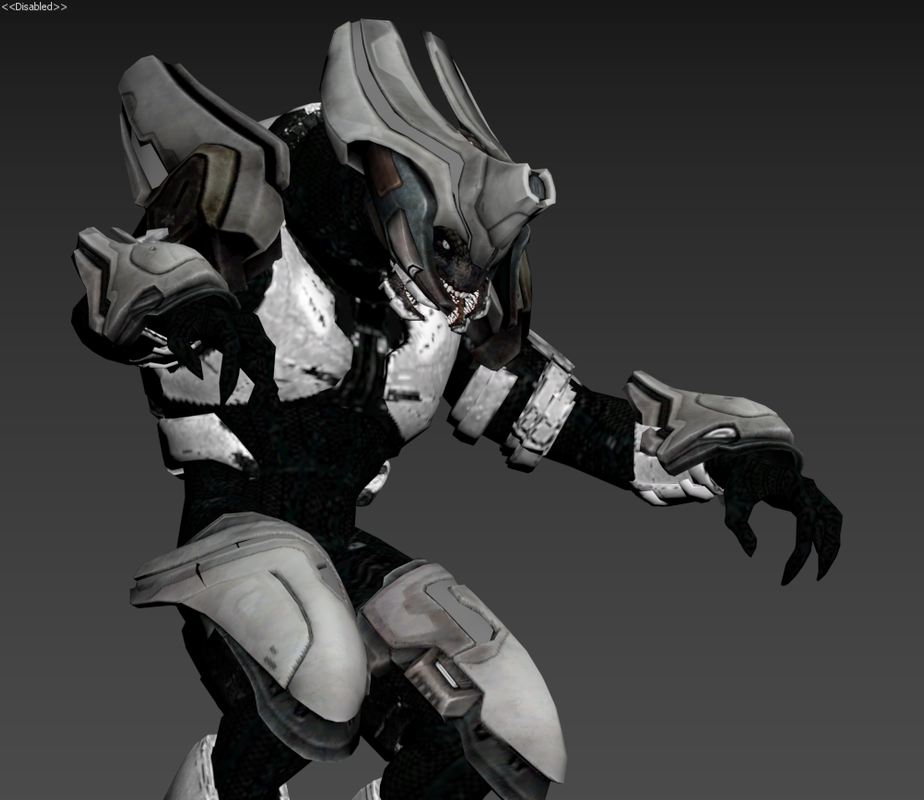 ELITE ZEALOT: 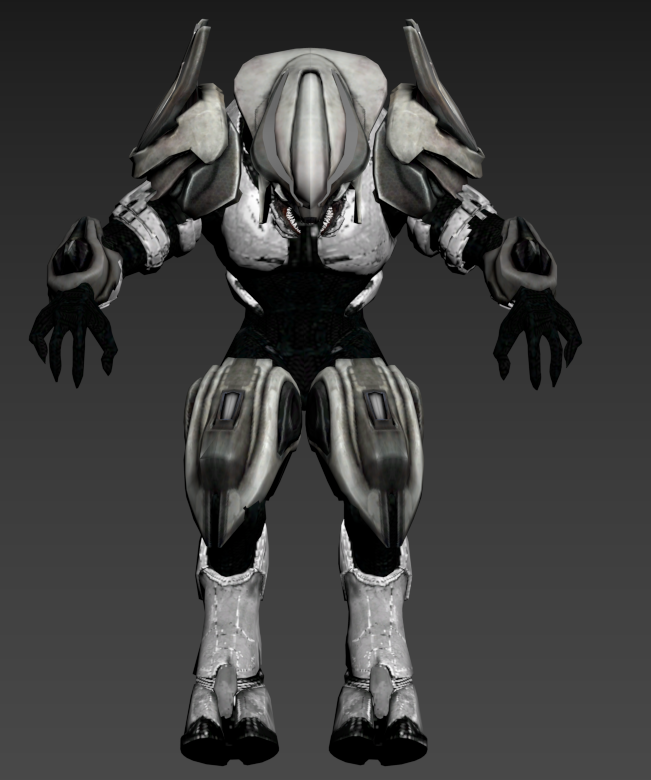 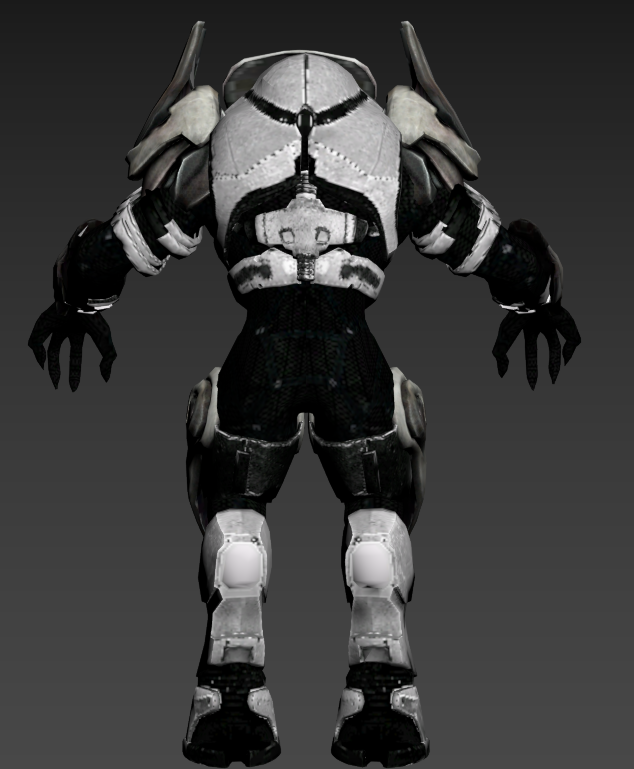 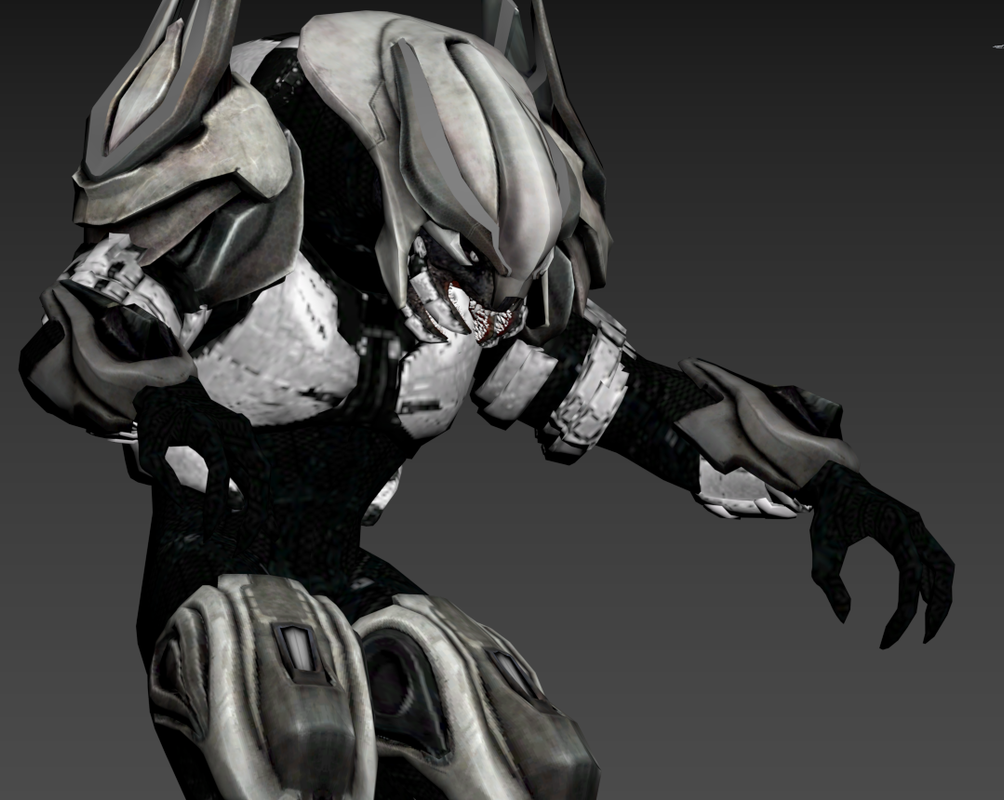 ELITE ULTRA: 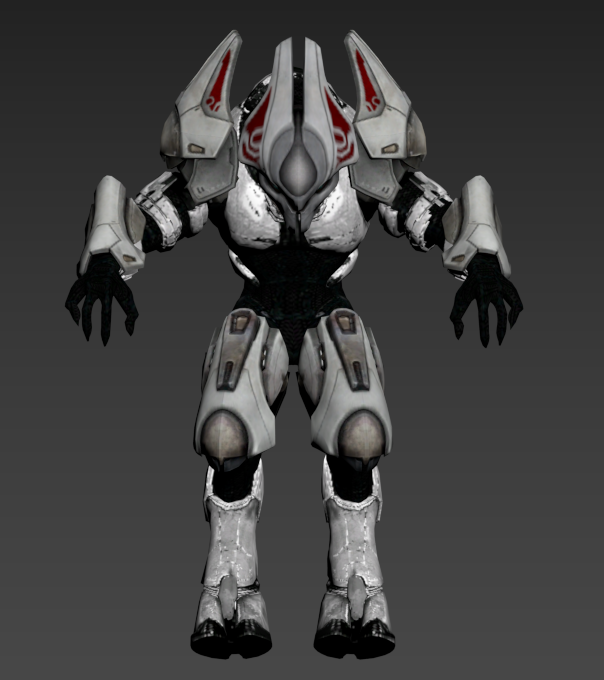 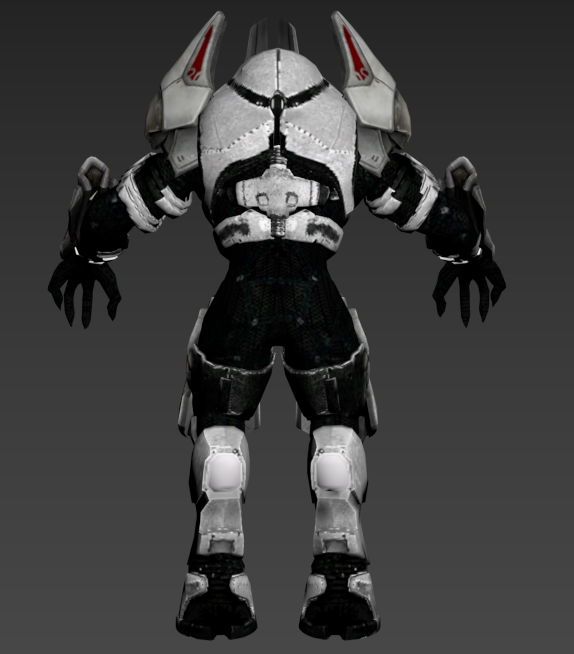 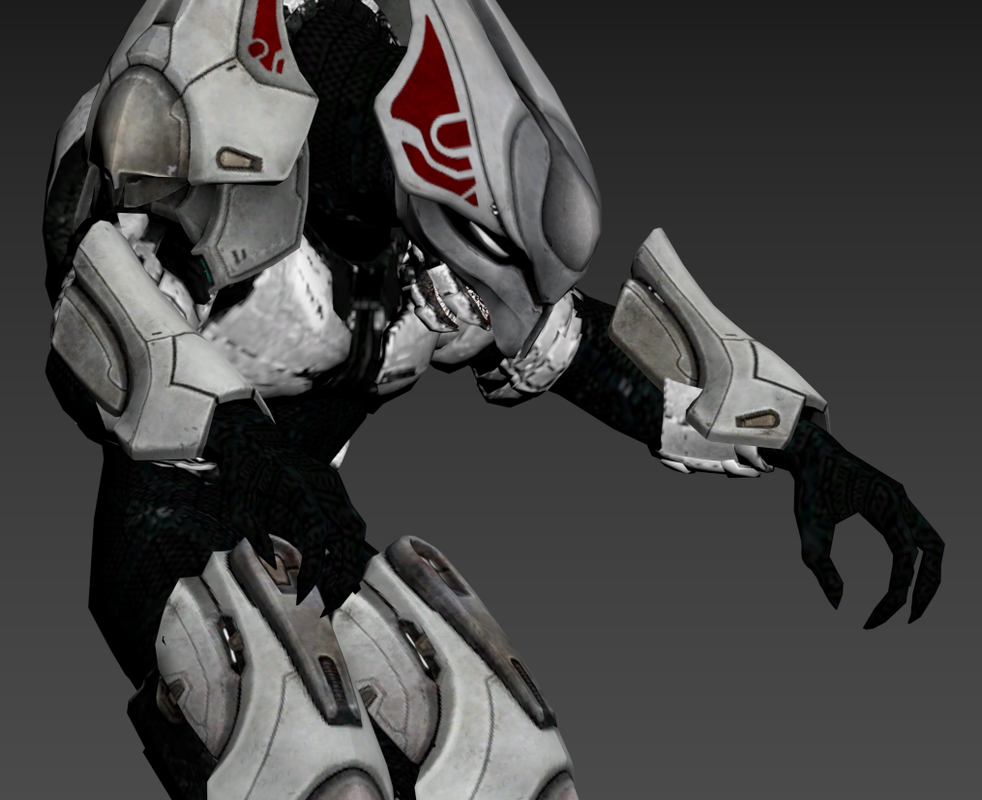 EDIT: edited because this thread originally was pretty crappy. I'll post a proper thread with actual finalized models. The models you see before you are crap and i'll finish them later. I don't have any time at the moment to be working on them. for now see this thread as some sort of preview of what I'm working on. Edited by Sargent 0 on Dec 13, 2018 at 12:55 AM
Halo CE General Discussion »
Need anyone who is skilled at 3d modelling Dec 2, 2018 10:05 PM
(Total replies: 1)
I need anyone who is exceptionally skilled at 3d modelling to partner with me on a project I'm working on. If you are up for it, simply reply and I'll private message you as soon as I can. Edited by Sargent 0 on Dec 2, 2018 at 10:08 PM Edited by Sargent 0 on Dec 2, 2018 at 11:12 PM
Halo CE General Discussion »
Help with 3dsmax...again Dec 1, 2018 01:35 AM
(Total replies: 12)
Holy crap. I did not realize how hards h2a elites are to work with when modifying the mesh. EDIT: I don't have any problems its just that the h2a elite has such a unique design I have to consistently work around Edited by Sargent 0 on Dec 1, 2018 at 01:36 AM
Halo CE General Discussion »
Help with 3dsmax...again Nov 30, 2018 07:45 AM
(Total replies: 12)
Oops, :p works now. Well, thank you all for this very valuable information. I guarantee that by the weekend, I'll have some awesome stuff to show you guys.
Halo CE General Discussion »
Help with 3dsmax...again Nov 29, 2018 10:38 PM
(Total replies: 12)
1. Opened a new h2a elite model without regions 2. Opened multimaterial and referenced their bitmaps to their corresponding file in diffuse.(elite skin sub material has elite_suit_hex tif, which contains the elites skin) 3. Converted all geometry to editable poly or mesh. 4. Gone through each geometry selection(elite_suit, elite_armor primary, etc) and gave it material ID value for its corresponding material(elite eye mesh>given is for elite eye material) 5.selected all geometry in elements 6. I drag and drop the multi material on the model and nothing happens yet to select the entire model in element.It still doesn't render the texture. What do I do
Halo CE General Discussion »
Help with 3dsmax...again Nov 27, 2018 09:21 PM
(Total replies: 12)
That’s why I make backups for my model so I don’t screw anything up. You mind telling me how you add materials? Edited by Sargent 0 on Nov 27, 2018 at 09:22 PM
Halo CE General Discussion »
Help with 3dsmax...again Nov 27, 2018 06:52 PM
(Total replies: 12)
DYI im using jms exporter 1-0-3. ### h2a_elite_no_helmet.jms ### ERROR there must be at least one region. ### ERROR failed to import geometry 'h2a_elite_no_helmet.jms'. When exporting from 3dsmax, I select everything and I hit export, which gives me warning: there was no geometry to export. can you also answer my first question: how to I add the material to mesh. Explain in context of my problem. |
|||||||||||||||||||